Setting up a Rust server
Add the server from Admin, Hosts like any other game. The wizard proposes port 28015 for the game, 28017 for the Steam query and 28016 for RCON. A fresh install downloads about 10 GB.
Rust has no game mode selector in Servitium: configure your server style (vanilla, 2x, 5x and so on) with the gather settings and plugins.
WebRCON
The agent talks to Rust through WebRCON. Even on a vanilla server, without any plugin, Servitium gets the live player list, connections, chat, admin commands and item delivery for the shop.
Carbon and the companion plugin
For full features, install Carbon from the Plugins page of your Rust server in the Center. Carbon is the recommended mod framework; Oxide is not available as a one-click option. When you click Carbon, the agent stops the server, installs Carbon, adds the Servitium companion plugin and starts the server again.
The companion plugin sends batched events with no noticeable performance cost:
- Player kills and building destruction (raids).
- Team rosters, refreshed every minute.
- Crafted items, for crafting rewards.
- Opened loot crates.
It also adds an in-game /shop window with category tabs, reserved VIP slots for premium players and a few optional gameplay tweaks. You can also install, enable and remove uMod plugins from the same page.
After a Rust update, the agent reinstalls the framework automatically, so you do not lose your plugins on patch day.
Shop and rewards
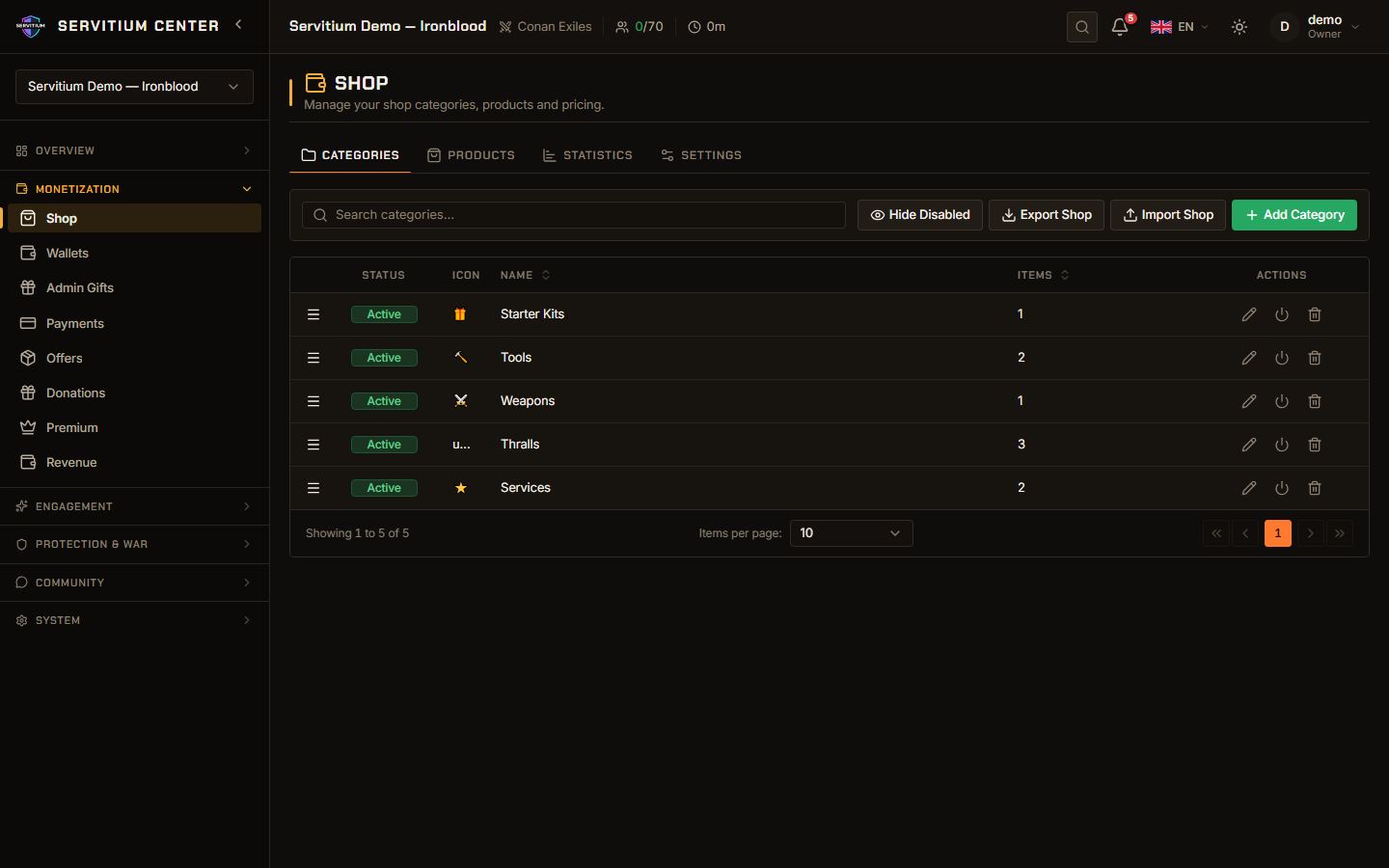
Rust ships with a ready catalog of game items with icons. Players buy from the Portal or the in-game /shop window, and items are given directly in game. With Carbon, you can also reward kills and crafting with currency. See Shop and economy.
Wipe cycles
Rust communities live by the wipe. In Wipe Management you choose between two wipe types:
- Map wipe: deletes the map and the world save. Players keep their blueprints.
- Full wipe: also deletes player data such as blueprints.
Schedule a one-time wipe, or a recurring weekly, bi-weekly or monthly one on the day and time you choose, in your server's timezone. Servitium stops the server, backs up the deleted files, wipes and restarts. Players can be notified 7 days, 24 hours and 1 hour before.
Servitium does not follow the official monthly forced wipe on its own. Schedule that date yourself so your wipe lines up with the game update.
Still stuck or missing something?
Write to us, we read every message. You can also start free and explore the Center at your own pace.