How Servitium fits together
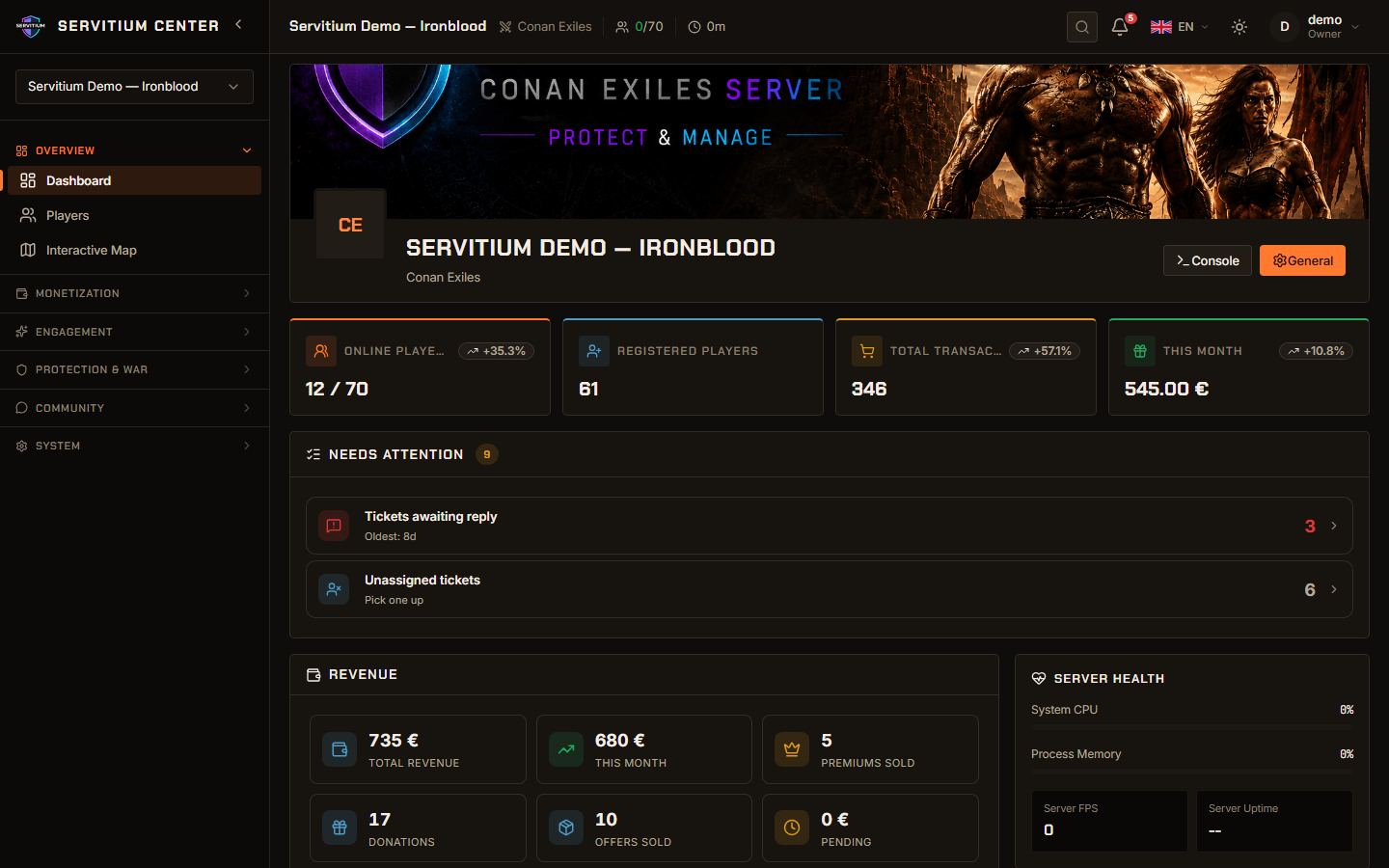
Servitium has two sides. The Center (center.servitium.org) is the admin panel where you, the server owner, configure everything. The Portal (servitium.org) is the public site where your players find your server, browse the shop, request raid protection and check leaderboards.
Your game server keeps running on your own machine. A small background program called the agent (Servitium Monitor) is installed on that machine. It starts and stops the game, reads what happens in the world and applies your settings. Servitium does not host game servers.
You need a VPS or dedicated machine where you have administrator or root access. Shared game hosting panels that do not give you system access are not supported.
1. Create your account
Open the Center and choose Create my account. You only need a username, an email address and a password. No credit card is required and the Free plan has no time limit.
Confirm your email address from the message you receive. Keep these credentials at hand: the agent installer asks for the same email and password to link your machine to your account.
2. Create your server
In the Center, create a new server. This step sets up the identity of your community: its shop, players and donations. Ports, passwords and runtime settings come later, when you attach the server to a machine.
- Canonical name: a stable brand name. It drives your public Portal address and your Discord role names.
- Server name and description: what players see in the server list.
- Game type: Conan Exiles, Rust or Soulmask. It cannot be changed afterwards.
- Timezone: used for restart schedules, daily quest resets and wipe countdowns.
- Listed publicly: whether your server appears in the public server list.
3. Install the agent
Open Install the agent in the Center. Pick Windows or Linux, copy the one-line command and run it on your machine as administrator or root. It takes a few minutes. The full walkthrough is in the agent installation guide.
Once the agent is running, your machine appears under Admin, Hosts. From there, choose Add game server to attach your server: either point Servitium to an existing install folder, or let it install a fresh server for you. A fresh download takes roughly 10 GB for Rust, 20 GB for Conan Exiles and 25 GB for Soulmask, so allow 15 to 40 minutes.
4. First steps checklist
The Center dashboard shows a Get started checklist. Work through it in this order:
- Create your server (done in step 2).
- Install the agent and attach your game server (step 3).
- Enable the economy: name your currency, set the starting balance and paychecks. See Shop and economy.
- Connect Discord (optional): invite the bot to your Discord server. See Discord bot.
- Set up payments (Pro): connect your PayPal account once. See Donations and payments.
- Create your first offer (Pro): a pack your players can buy and claim in game.
Then share your Portal link with your players. They register on your server from the Portal, receive a short code and type it in game chat to link their character.
Want to look around first? The live demo lets you browse a fully configured Conan Exiles or Rust server without signing up.
Still stuck or missing something?
Write to us, we read every message. You can also start free and explore the Center at your own pace.